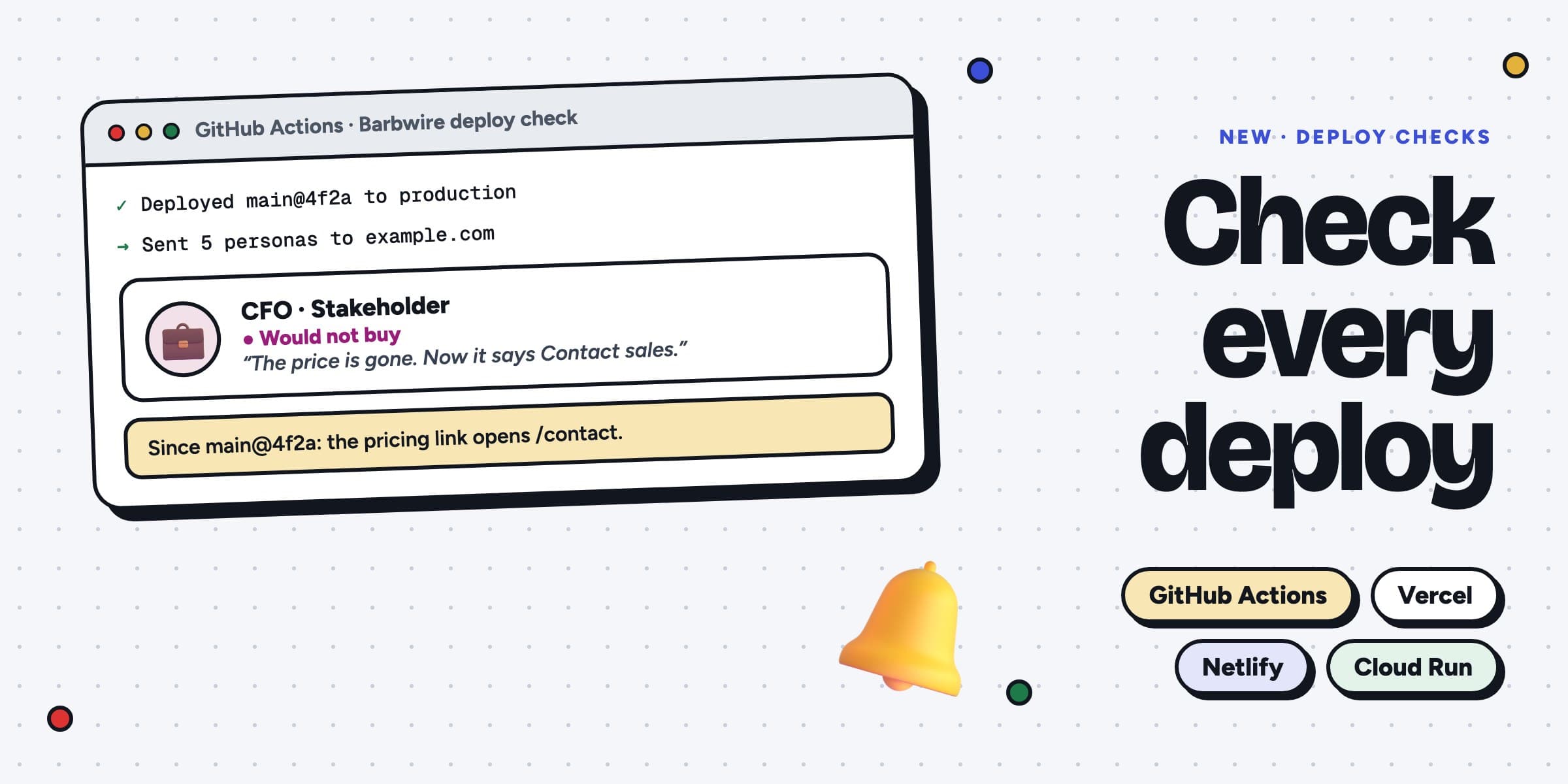
New · October 2026
Check every deploy with your personas
A release can break a menu link or hide a price, and every test still passes. You find out from fewer sign-ups. Barbwire sends your personas after each production deploy and tags each run with its release, so you can compare it with the run before.
Set it up in 5 minutes
- Test your site in Barbwire once. Its personas are the ones that go on each deploy.
- On the Deploy checks page, make a token. Only the owner of the organization can make one.
- In GitHub, open Settings → Secrets and variables → Actions and add the token as the secret
BARBWIRE_TOKEN. - Copy the workflow from the Deploy checks page into
.github/workflows/barbwire.ymland push it. - To try it now, open Actions in GitHub, pick Barbwire deploy check and click Run workflow.
The workflow runs when Vercel, Netlify or another GitHub integration reports a successful production deploy. Your workflow deploys by itself, like Cloud Run, Fly or a script? Add one step after the deploy step instead. The Deploy checks page gives you that step.
Pick who goes
Until you pick, the personas of the site’s last test go. Pick up to 5 under Pick who goes: one skeptic on every deploy, or all five. Each persona counts as one run. A version that is already on the site is not sent twice.
What you see
- Each deploy run shows “Deploy” in your Runs list, with your branch and commit.
- When a persona from a deploy would not buy, you get an email with where it stopped and the fix to make first.
- Watch a persona, and you get an email when it stops buying after a deploy. Open the run before it to see what changed.
- The step runs after the deploy, so it never stops one. When your runs are used up, the step fails and says so.